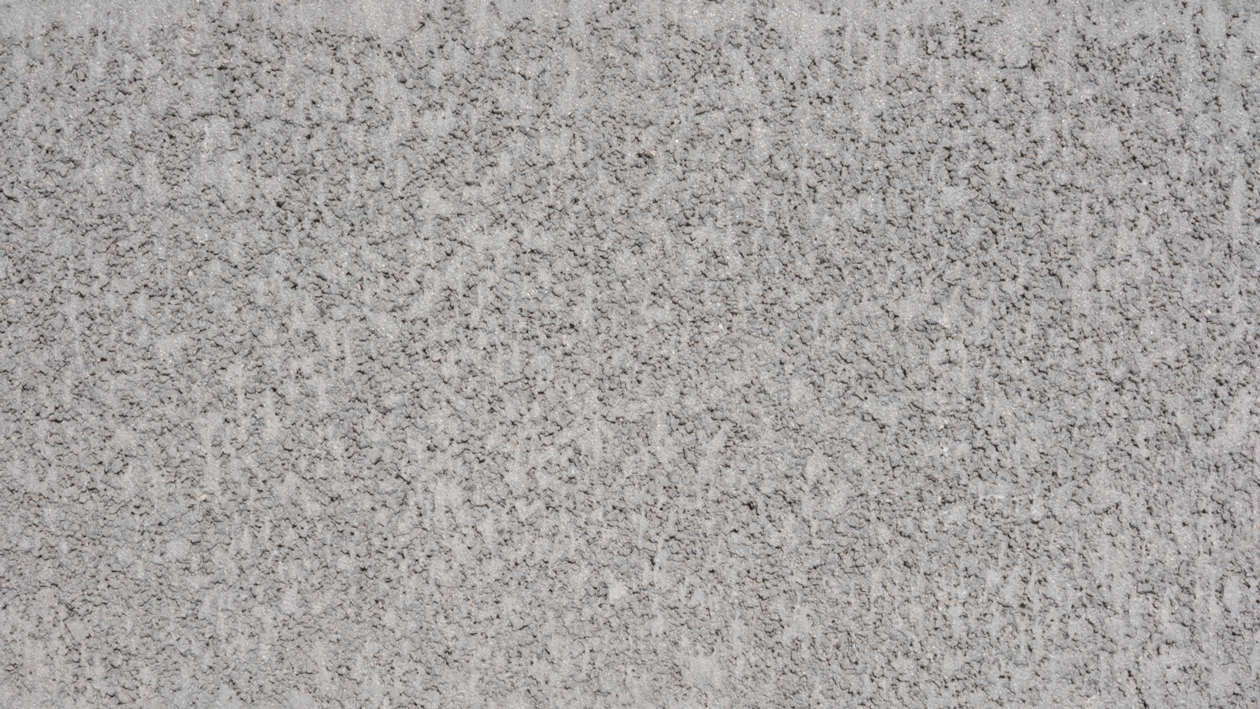
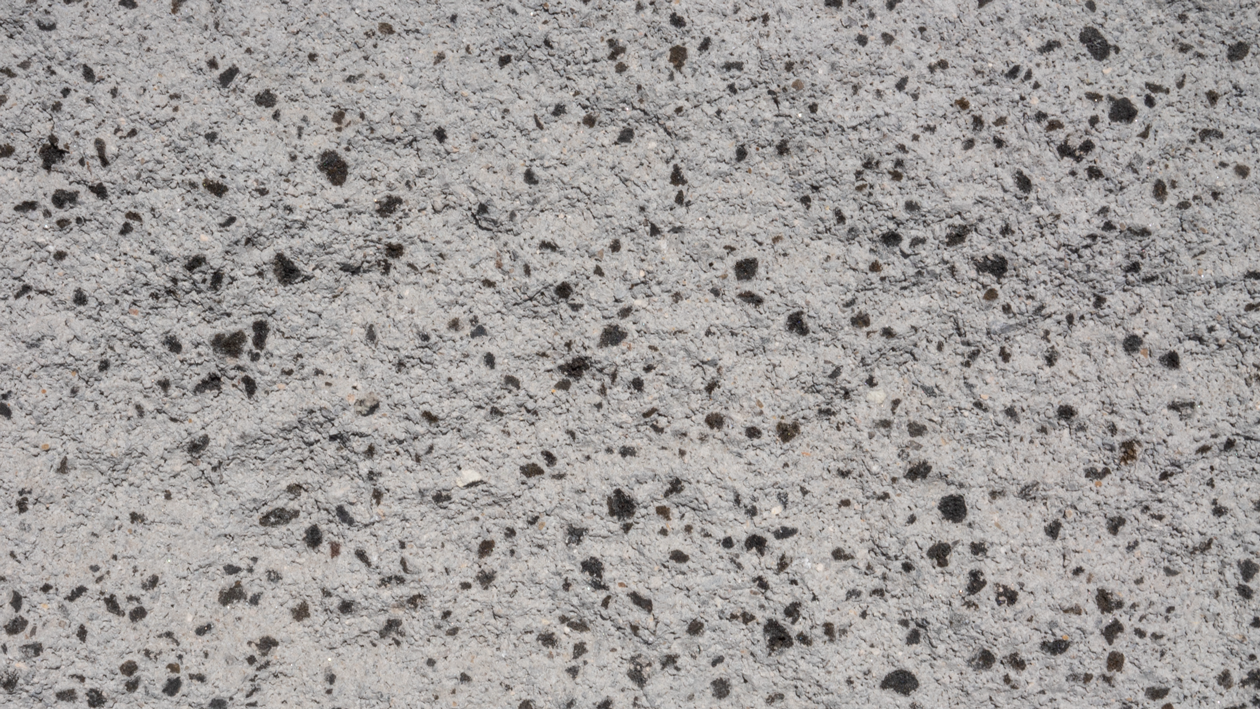
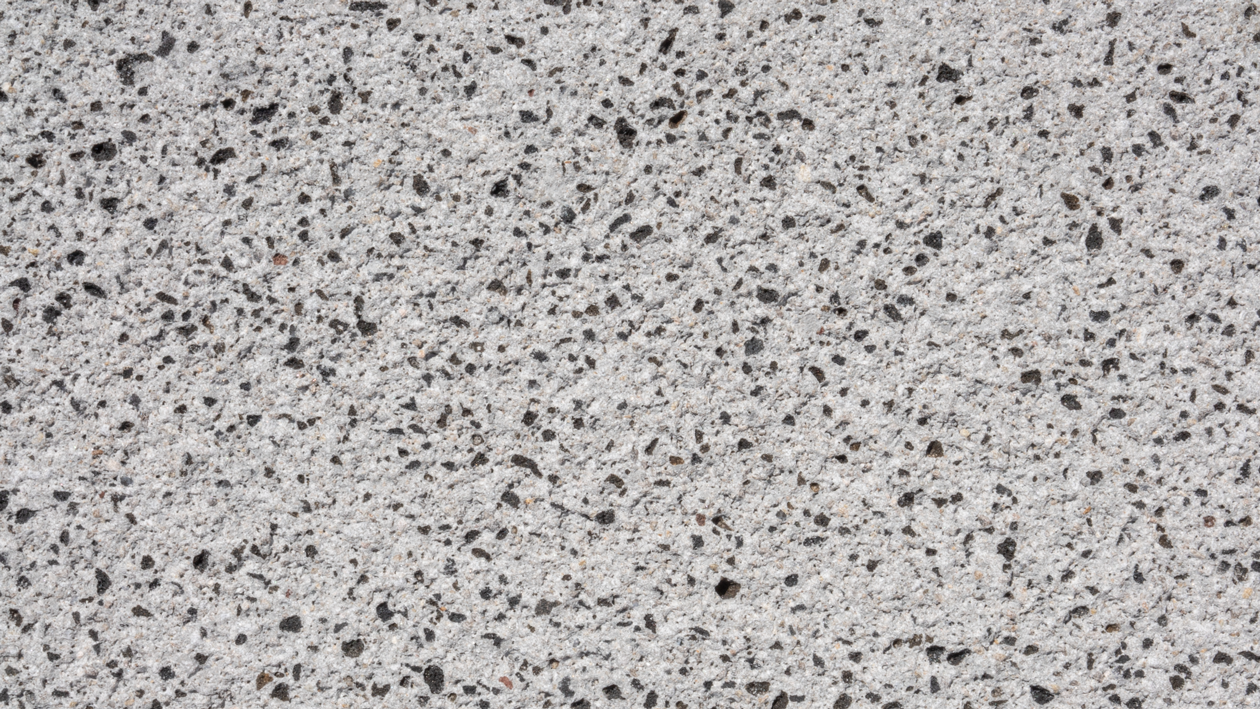
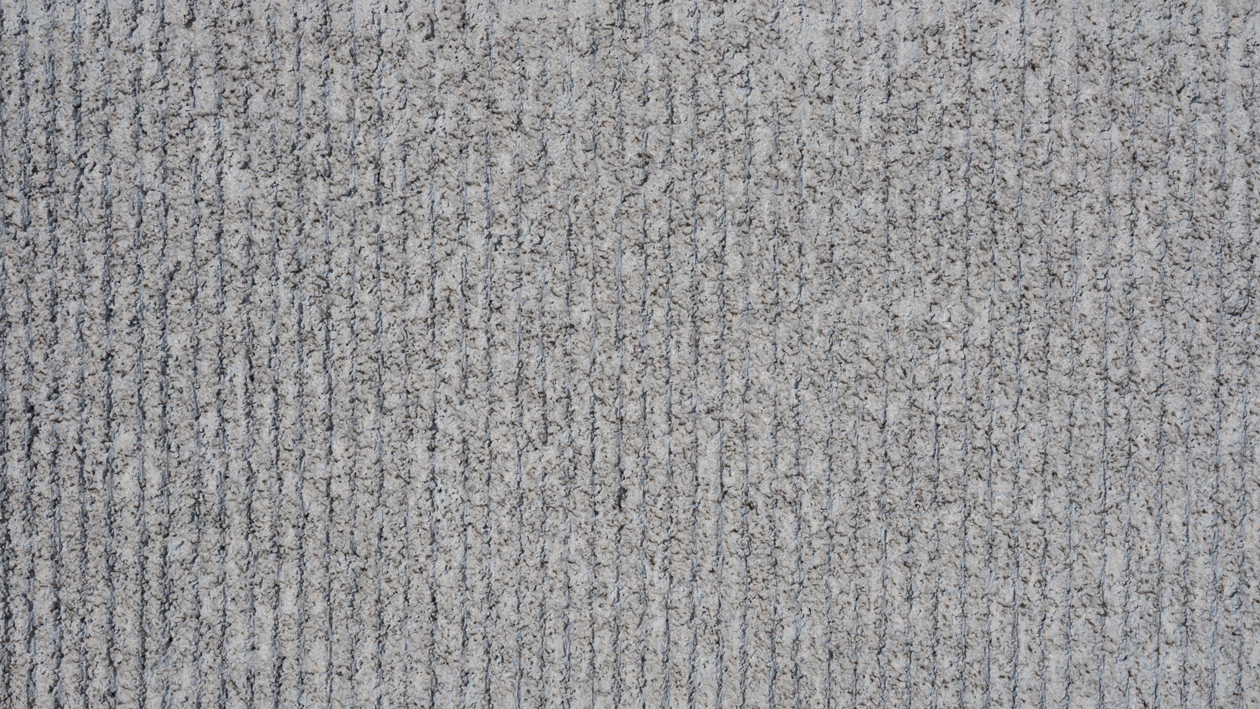
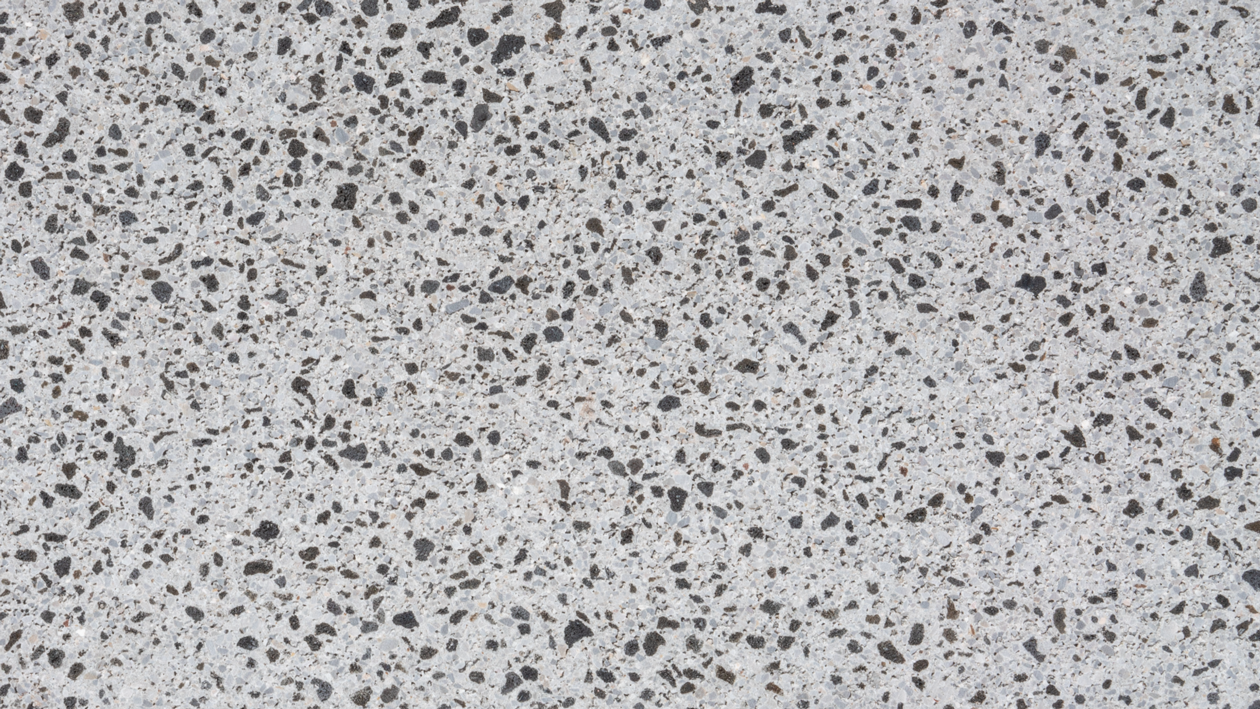
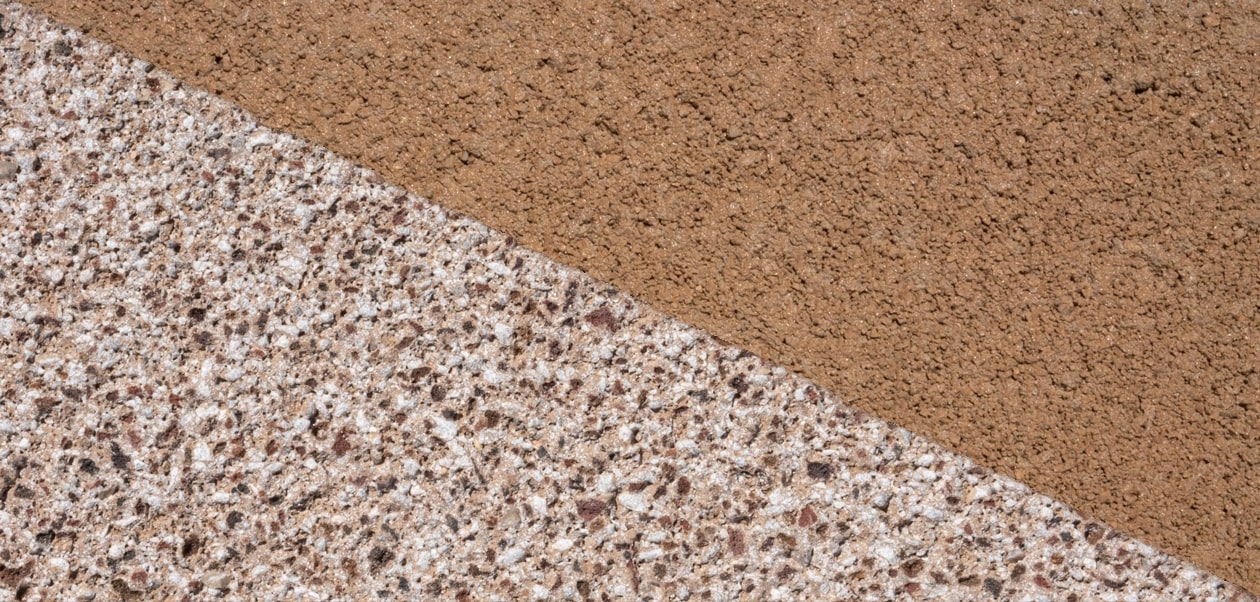
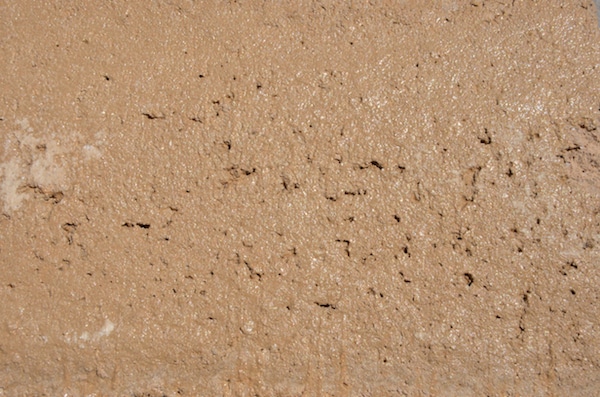
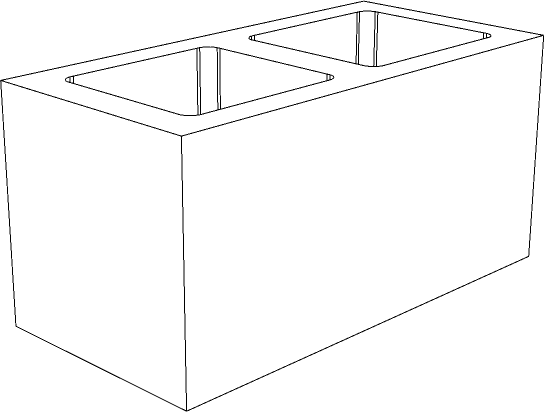
Design your own block wall. Mix patterns, textures, and colors to visualize your project.
Click a preset to load it into the builder, then customize.
Tap a cell to place a block. Tap a row number to fill an entire row. Try different colors and designs to create accent bands.
Click a cell to place a block, or drag to paint. Click a row number to fill that row. Mix colors and designs between rows to create accent bands.
Fill the wall with one texture, then use the row buttons to replace select rows with a contrasting design — like shot blast accents in a precision wall.
Select Triangle, check Alternate Rows, then Fill All. The flipped triangles create a striking diamond pattern across the wall.
Architects often combine smooth precision blocks with shot blast or split face for visual depth. Try filling rows with different textures in the same color.
Switch to Running Bond for the most common masonry layout. The offset pattern creates a more traditional, structurally authentic wall appearance.
Contact us for samples, pricing, or help bringing your design to life.